CoA editor
Share on XToday’s updates put you in control of your Chart of Accounts and report structure: a new editor for every workspace, and firm templates for accountants.
Chart of Accounts editor
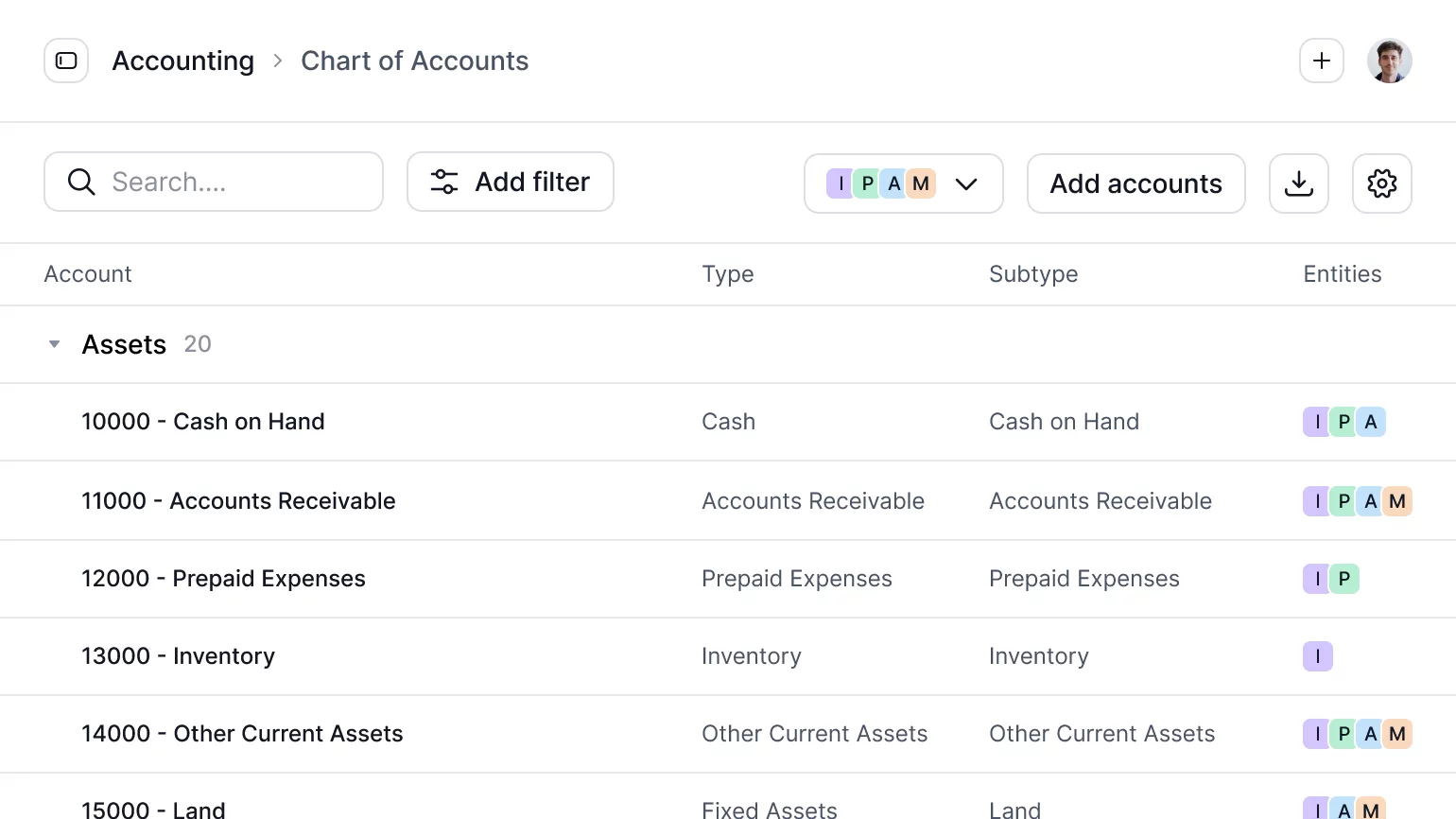
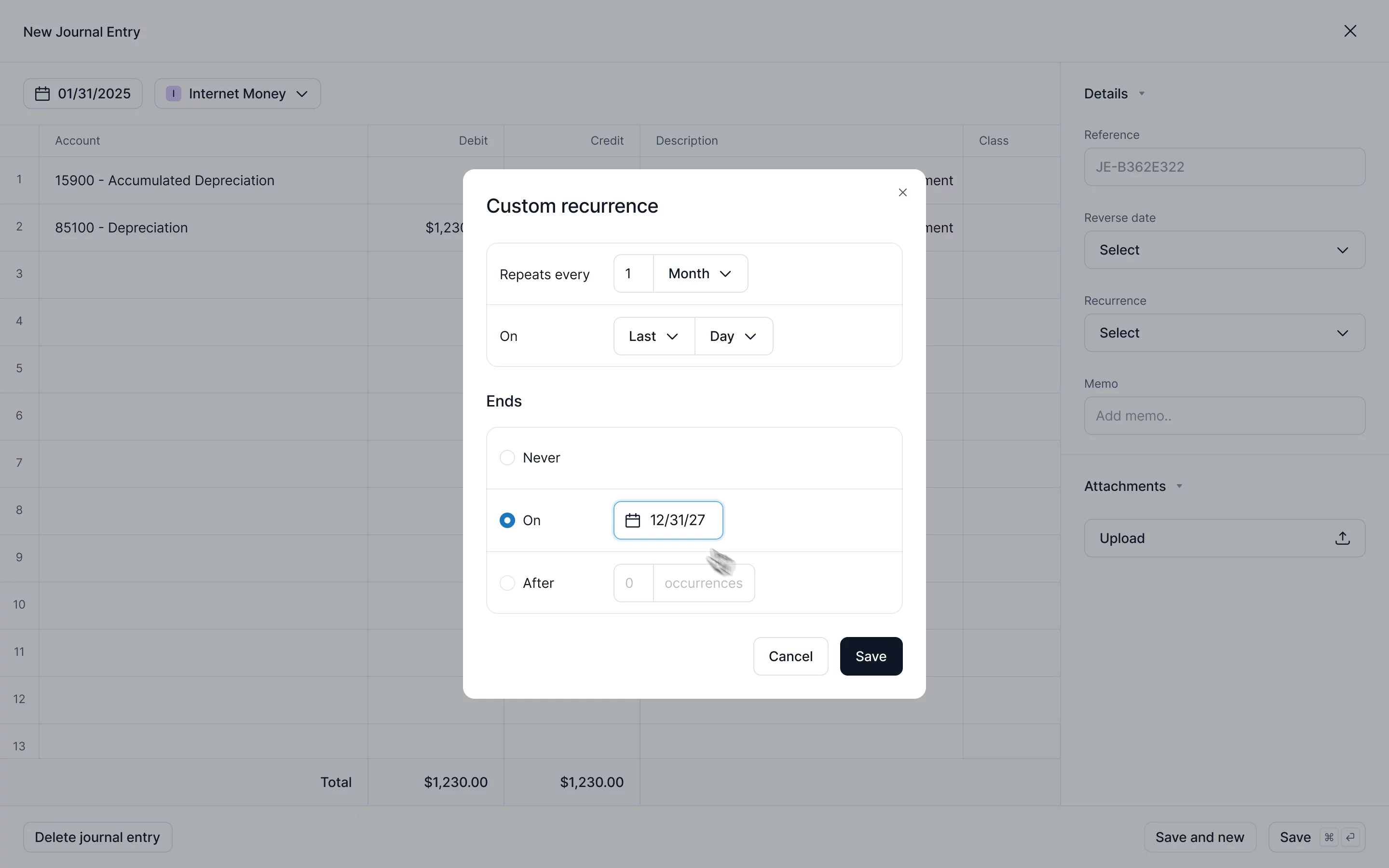
Your Chart of Accounts is now fully customizable, down to every group, subtotal and account.
When the accounts behind your reports don’t match how you think about your numbers, you end up recreating every report in a spreadsheet. Until now, changing the accounts meant duplicates, broken comparisons with prior periods, and the same edit on every entity.
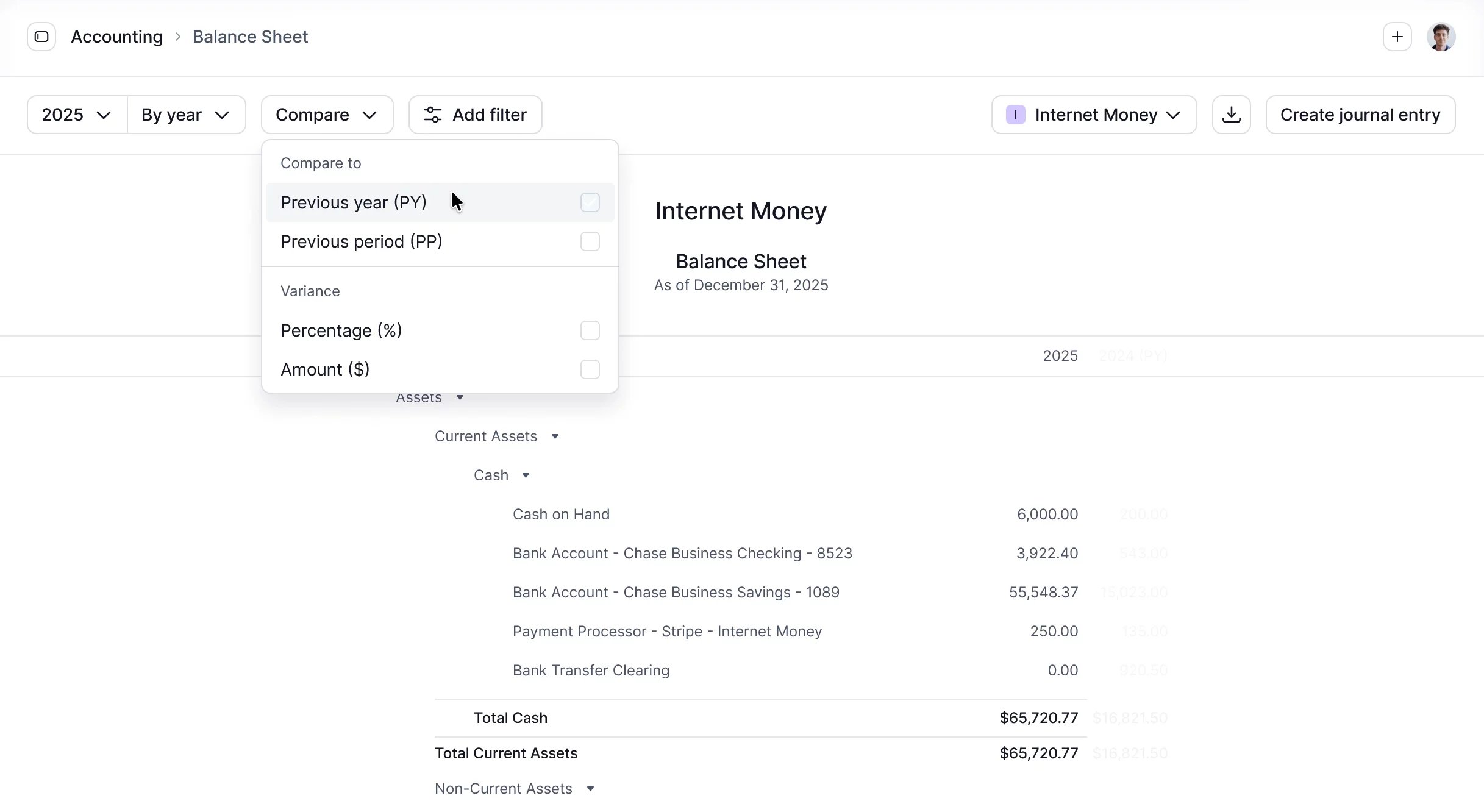
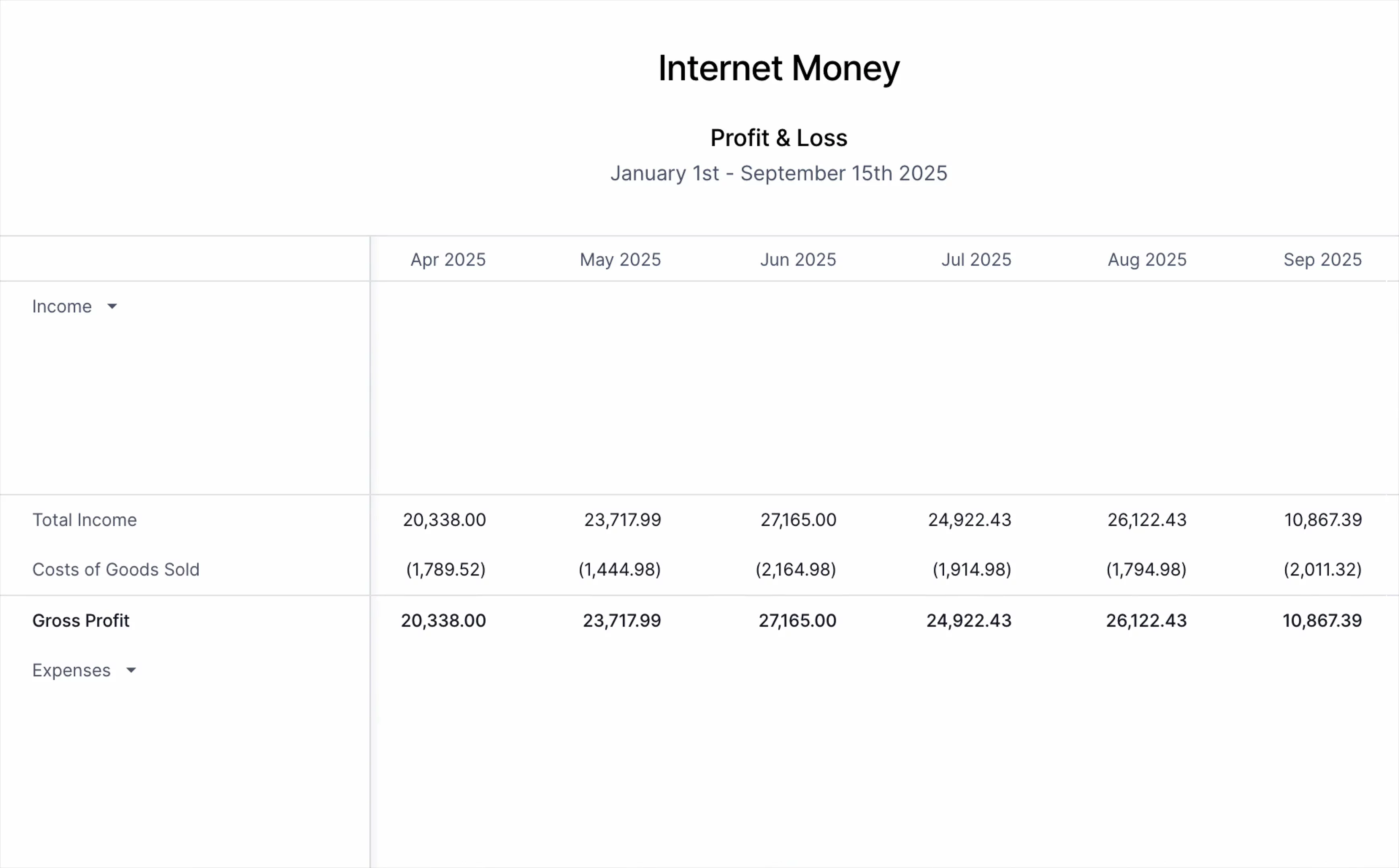
Now you can build the structure once, and your Profit & Loss and Balance Sheet follow.
With the new CoA editor, you can:
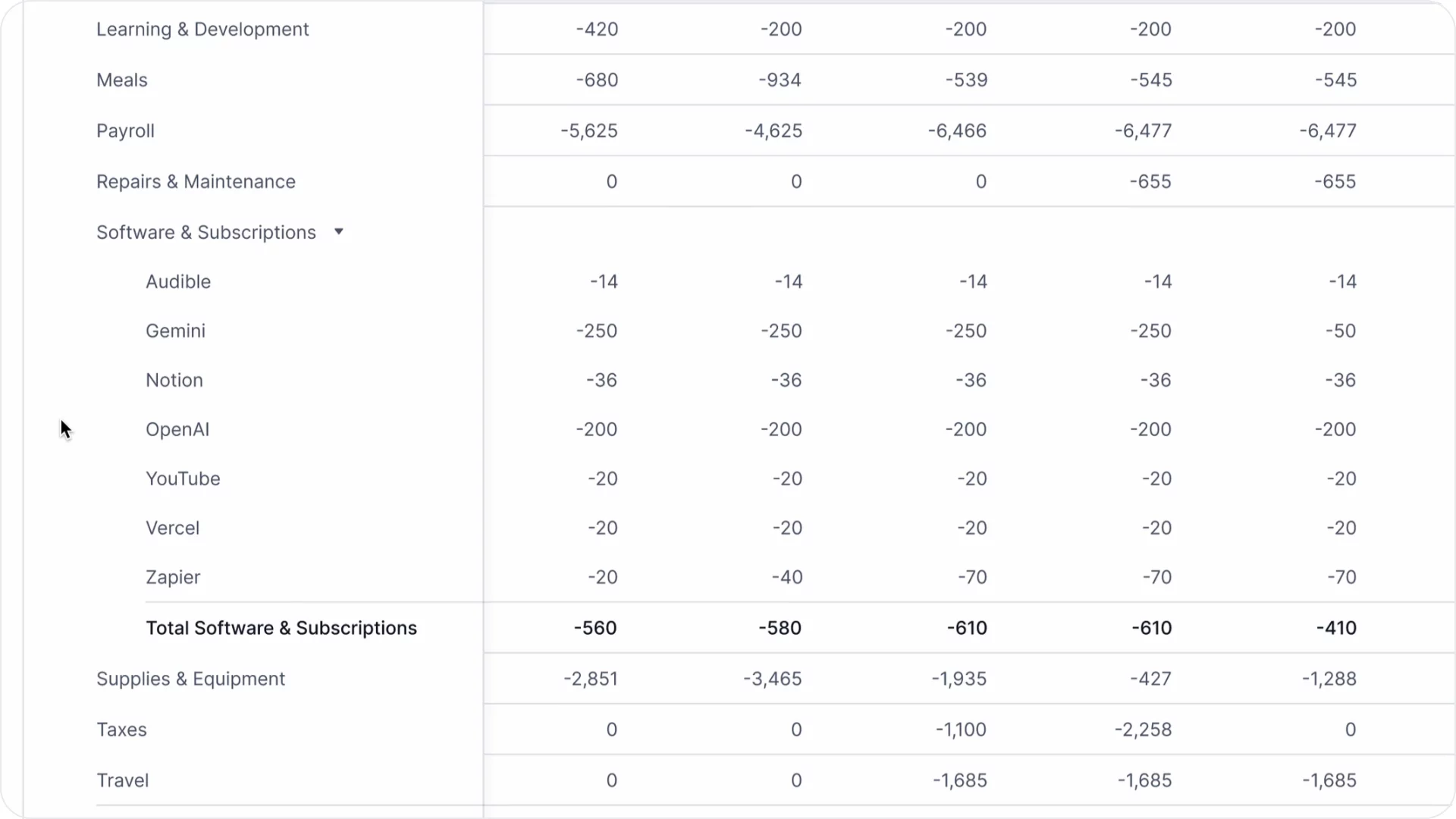
- Create groups and subgroups that roll up into the subtotals you want to report on
- Drag accounts and groups to nest or reorder them
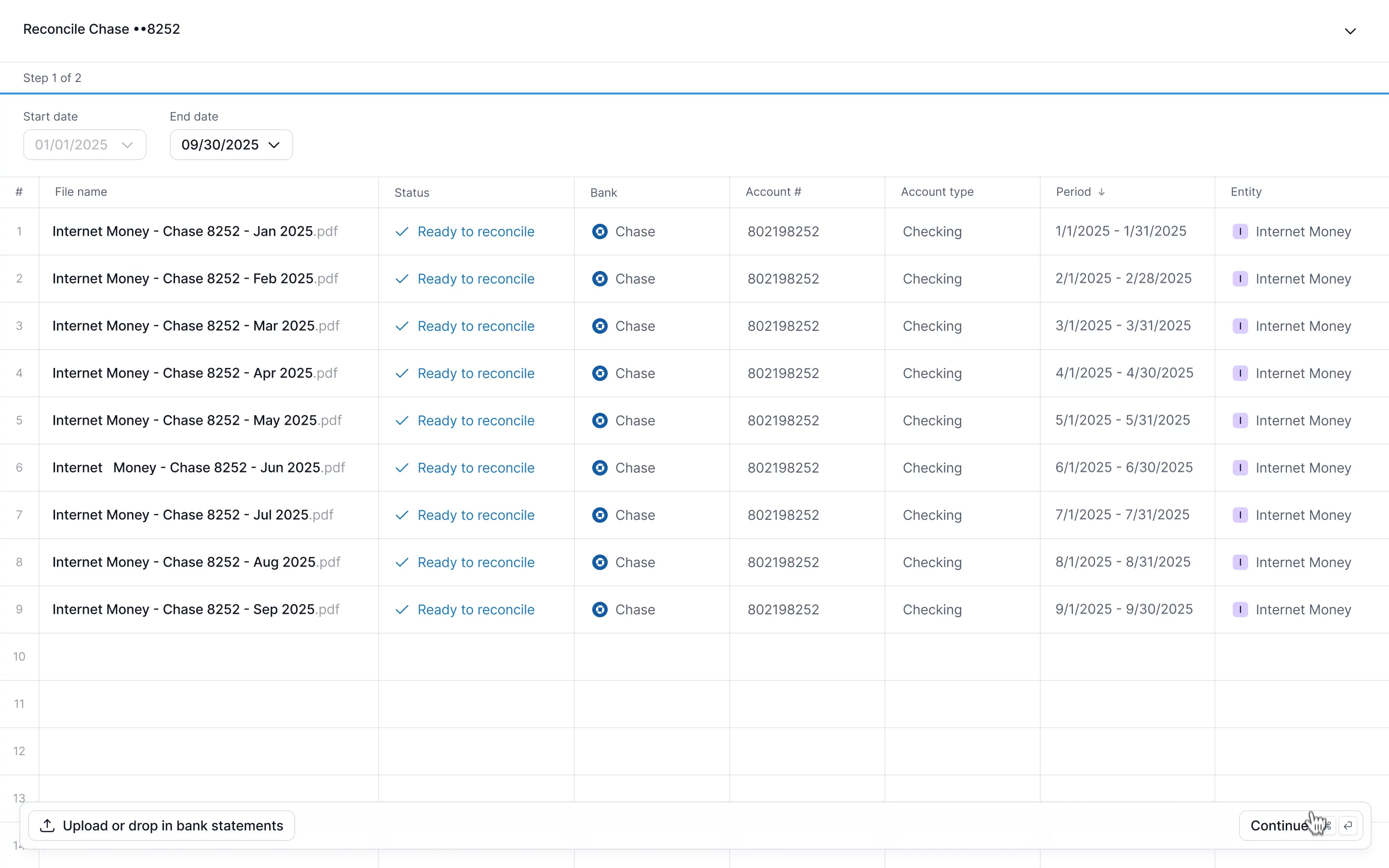
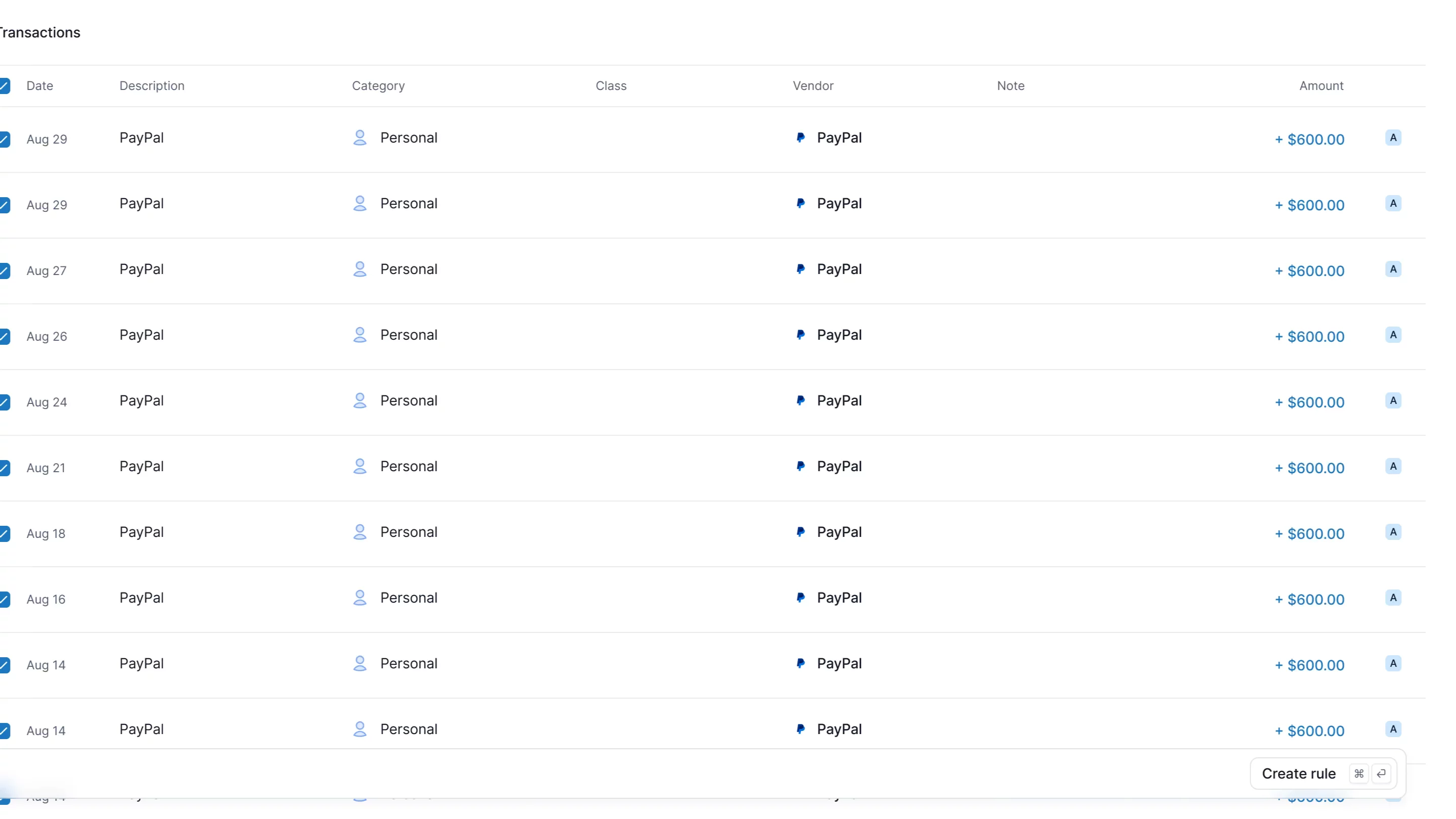
- Merge duplicate accounts, and their transactions and history move with them
- Customize the structure for one entity, or update all of them with one edit
CoA templates for Accountants
CoA templates are now available for Accountants, see our new Accountant tiers.
Different clients need different charts of accounts. Keeping your firm’s standards in spreadsheets means importing, reorganizing, and matching accounts every time you apply them to another client.
Set your firm’s standard once with templates, and roll it out to new or existing clients.
Build your templates
- Start from the firm standard you keep in a spreadsheet, your best client’s CoA, another template, Kick’s default, or an import from your last ledger
- Create a template for each client segment you serve, grouped however your firm works
Manage your book of business
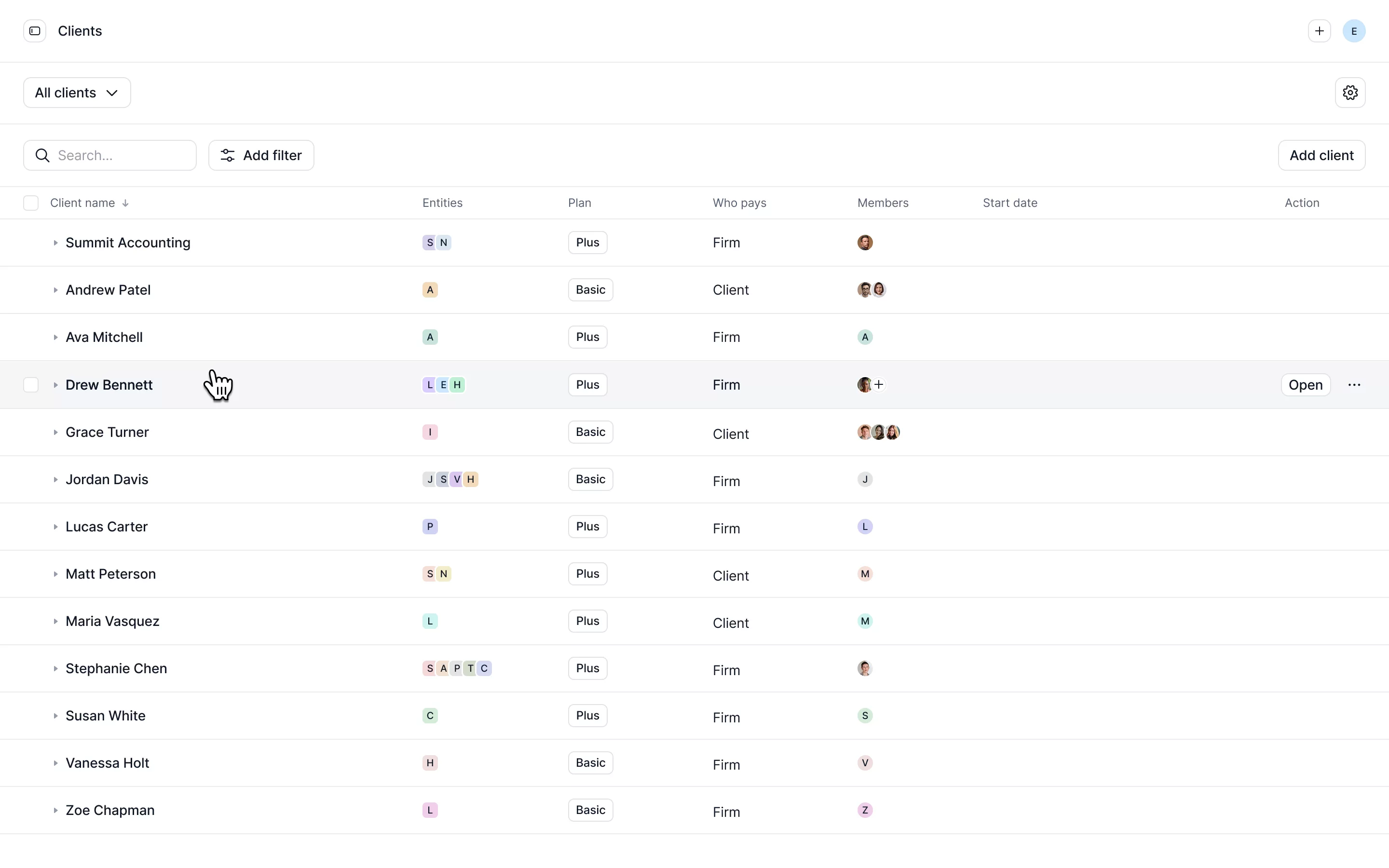
- Filter clients by segment, entity type or basis, and apply to all of them at once
- Preview each client’s chart before you merge the template
- Drag and drop to fine-tune any client’s chart after you apply
- Assign account roles so Kick’s automations keep working, however you structure the chart
- With Kick MCP, reorganize your CoA or turn your firm’s spreadsheet into a template for every entity or client
To get started: open Accounting → Chart of Accounts in your workspace, or Templates → Chart of Accounts in your firm view.
Learn more about CoA editor or Firm CoA templates.